
Full disclosure: SiteCal (mentioned below) is our product. We've kept this a genuine review of Wunderbuild and only flag where a dedicated scheduler fits differently.
What is Wunderbuild?
Wunderbuild is an Australian construction-management platform built by Employfy, aimed at residential builders and renovators — "small, medium and large builders," in the company's own words. It's cloud-based (with a mobile app on iOS and Android) and is squarely an Australian/New Zealand product, which shows in how it handles local workflows and the responsive local support behind it.
The pitch is simple: replace the pile of disconnected tools most builders juggle — a spreadsheet for estimating, one app for scheduling, another for timesheets, email for clients — with one platform where everything talks to each other. One reviewer, a managing director running multiple large renovations, put it plainly: before Wunderbuild they ran five separate systems that didn't connect; now it's all in one place. It's deliberately less bloated than the enterprise suites built for global infrastructure work — the target is practical, day-to-day workflows for a 2–50-person builder, not a tier-1 contractor.
Key features
Wunderbuild covers most of the construction lifecycle. Based on its own site and verified user reviews, the platform includes:
- Estimating and digital take-offs — measure from plans and build up quotes from saved price lists, with markup applied globally or per category.
- Quoting and proposals — customisable quote letters/proposals for clients.
- Tender management — send work out to subcontractors.
- Lead management — track jobs from enquiry through to contract.
- Scheduling — a Gantt-style program with task dependencies to sequence the build.
- Job and cost tracking — project budgets, job costing, purchase orders, progress claims and variations.
- Timesheets — track labour against jobs.
- Site diary and documents — daily logs, document folders, templates and QR codes on site.
- Client portal and communication — keep clients and the team in one shared space.
- Invoicing — bill clients from the same system that holds the budget.
- Xero integration — sync the financial side with your accounting ledger.
- Recent AI features — the team has been adding AI tools to speed up estimating and admin.
That's a deep, genuinely all-in-one feature set — closer to a full build-management suite than a single-purpose app.
Scheduling, examined
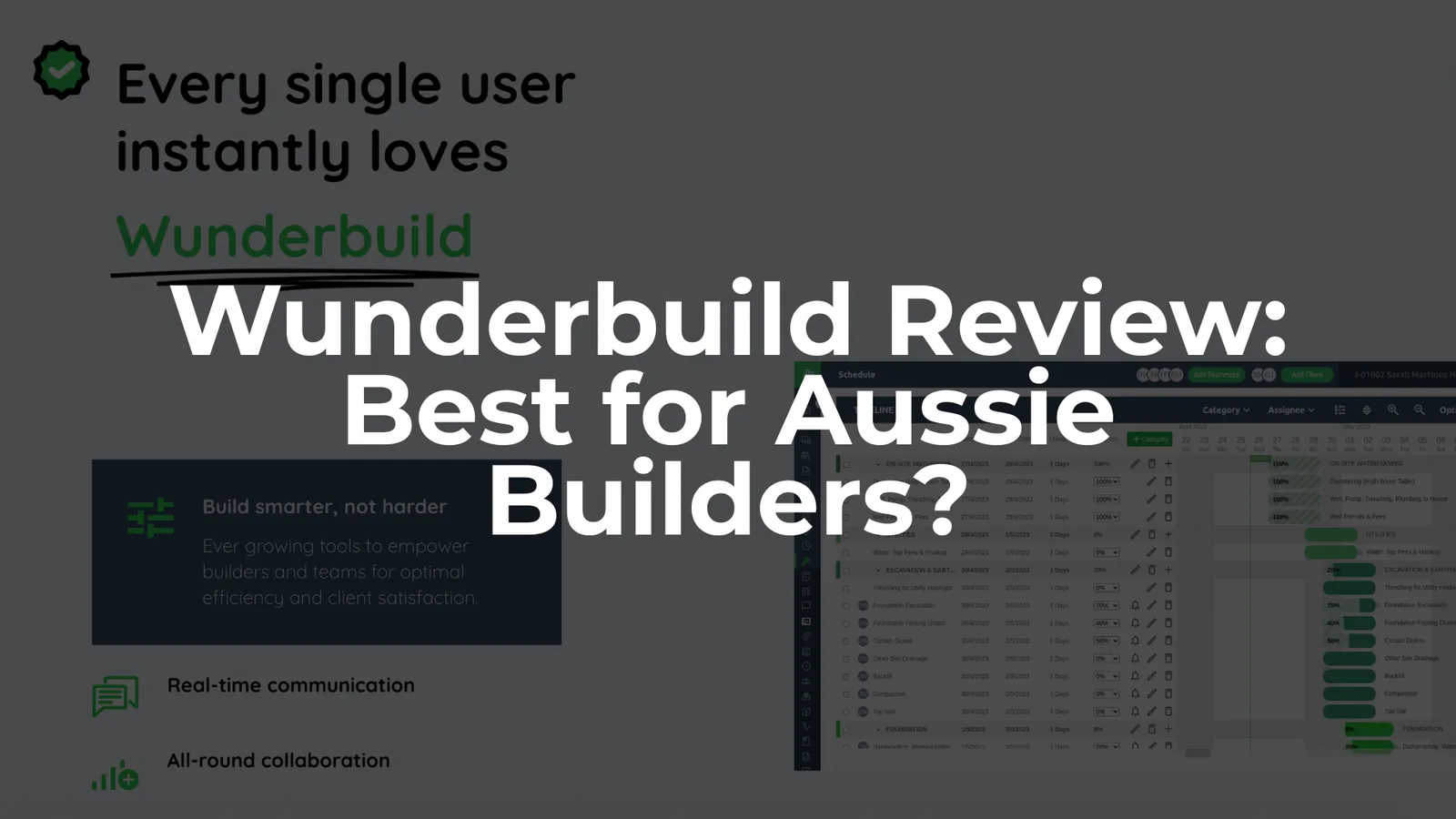
Because the works program is where a lot of builds live or die, it's worth looking at Wunderbuild's scheduling specifically. It's included on every plan (not gated behind a higher tier, which is a mark in its favour), and it's a real Gantt with task dependencies, so you can sequence trades and see the timeline.
Within an all-in-one, that's a strong position: your schedule sits next to your estimate, budget and client comms, so nothing is stranded in a separate tool. If that integration is what you're after, Wunderbuild's built-in scheduling is a genuine plus.
The trade-off is the one that comes with any all-in-one: the schedule is one module among many, built to the needs of the whole platform rather than purpose-built for the program alone. If your single biggest pain is the construction program — keeping dates current, sequencing trades, and getting a live schedule in front of every subbie without anyone logging into a full build-management system — a dedicated scheduler is worth a look. That's the niche SiteCal fills: a simpler, calendar-first program tool focused only on scheduling and trade coordination. It won't replace Wunderbuild's estimating or accounting — it's not trying to.
Built for Australian builders
Localisation is where a lot of global platforms fall down — a US-built tool that mishandles GST or progress claims creates more work than it saves. Wunderbuild is AU-native, and it shows:
- GST handled natively, with Australian currency, date formats and contract terminology — no converting from US conventions.
- The standard AU residential workflow — enquiry → estimate → contract → variations → progress claims → practical completion → defects — is what the platform is shaped around.
- Local support from an Australian team during Australian business hours (the thing reviewers rave about most).
One honest caveat: Wunderbuild supports Australian workflows well, but we didn't find evidence of automated NCC/BCA code-checking — treat compliance as document and checklist support, not an automated code engine.
Pricing
Wunderbuild's pricing is refreshingly transparent — a real plus in a market where Buildertrend, Procore and others have stopped publishing rates. It's built around active projects, with unlimited users on every plan (all prices AUD, inc GST, month-to-month):
| Plan | Price / month | Active projects | Users |
|---|---|---|---|
| Starter | $123 | 1 | Unlimited |
| Premium | $249 | 2–10 | Unlimited |
| Platinum | $375 | 11–20 | Unlimited |
| Ultimate | $499 | Unlimited | Unlimited |
Prices verified October 2026 from wunderbuild.com — AUD, inc GST. A free trial is available (length not stated); no lock-in contract.
The unlimited-users model is the detail that matters, because it changes the maths as you grow:
- A solo builder or renovator with one job pays $123/mo (Starter) — and can still add their subbies and client at no extra cost.
- A builder juggling around five active jobs sits on Premium ($249/mo) — covering the whole office, site team, subcontractors and clients.
- A larger operation with ~15 live projects is on Platinum ($375/mo).
Compare that to per-user tools: a 10-person team on a $50-per-user platform is already $500/mo before you add subbies. Wunderbuild's Premium tier covers that same team for $249. The more people you need in the system, the better the project-based model looks — a real point of difference from competitors like Buildern or Tradify that charge per seat. (Factor in the usual switching costs too — importing price books, setting up templates, training — but weigh those against the hidden time and margin you lose staying on spreadsheets and disconnected apps.)
Who it's best for
Some concrete profiles where Wunderbuild fits well:
- Small residential builder (2–5 staff, a handful of jobs a year). You're quoting from Excel, tracking costs in a notebook and chasing approvals over text. Starter or Premium puts estimating, scheduling and job-cost tracking in one login.
- Mid-sized custom-home builder or renovator (5–20 staff, several concurrent jobs). Your PMs need to schedule trades, handle frequent variations and keep clients updated — all in one place, in real time.
- Volume / project-home builder. Standardised inclusions and repeatable templates protect margins across dozens of similar builds.
It's probably the wrong tool if you're:
- A tier-1 commercial or infrastructure contractor needing BIM workflows, enterprise subcontractor management or heavy payroll — that's Procore/Autodesk territory, outside Wunderbuild's scope.
- A solo trade or very small operator who just wants simple quoting and invoicing (a lighter trade app may suit better).
- A builder whose only real problem is the program/schedule, with estimating and accounting already sorted — a focused scheduler is simpler and cheaper for that one job.
- On MYOB or QuickBooks and reliant on a deep two-way accounting sync — Wunderbuild's confirmed integration is Xero, so check your accounting fit directly with them first.
Pros and cons
Drawn from Wunderbuild's own materials and its verified Capterra reviews.
Pros
- Genuinely all-in-one — estimating, take-offs, scheduling, job costing, timesheets, site diaries, documents and client comms in one platform.
- Outstanding support — the most consistent theme in reviews ("customer service is second to none"; issues resolved within the hour).
- Project-based, unlimited-user pricing — cost-effective for teams, transparent, inc GST, no lock-in.
- Australian-built and actively developed, with new features (including AI) shipping frequently.
- Scheduling on every plan, not held back to higher tiers.
Cons
- Occasional syncing glitches reported by users (though support is quick to resolve them).
- Thin self-serve training — more than one reviewer wished for a fuller library of start-to-finish training videos, which can slow onboarding for new staff.
- A learning curve when migrating — builders coming from another platform note it takes time to get used to the new layout.
- Xero only (confirmed) — if you're on MYOB or QuickBooks, verify the integration fits before committing.
What users actually say
Wunderbuild's standout isn't a single feature — it's the consistency of the reviews. It holds 4.9/5 from 31 reviews on Capterra AU, with 100% positive sentiment (27 five-star, 4 four-star as of October 2026). The recurring themes:
- "Everything in one place" — builders repeatedly describe replacing several systems with Wunderbuild and never looking back.
- Support — called "second to none" and "top of class," with same-hour responses.
- Value for money and ease of use, even for non-technical site and admin staff.
The criticisms are mild and practical: a few syncing hiccups, a wish for more training videos, and the usual adjustment period when switching platforms. For a product in a category where builders are famously hard to please, that's a strong report card.
Should you choose Wunderbuild? A quick self-check
Run through this before you commit:
- Do you have reliable internet on site and in the office?
- Is there someone (a PM or estimator) who'll own the setup and template build?
- Are you ready to standardise your cost codes and templates?
- Do you run fewer than ~20 concurrent projects (so it fits the plan tiers)?
- Can you pilot it on a live job for 30–60 days before switching everything over?
Four or more yeses and Wunderbuild is well worth trialling. When you do, run a structured pilot — pick one real project and have your estimator, PMs and site supervisors each test the workflows they'd actually use day to day, rather than judging it from a demo.
Wunderbuild alternatives
No tool is right for everyone. The main alternatives Australian builders weigh up:
- Buildxact — the other big AU estimating-led platform; strong takeoff, per-plan pricing with unlimited users (scheduling only from its Pro tier).
- SiteCal — a dedicated construction scheduling tool, if the program is your main need rather than a full suite.
- Buildern / JACK — other all-in-one estimating + management platforms (Buildern is USD; JACK is AU/NZ, Xero-centric).
For a fuller rundown, see the best Buildxact alternatives for Australian builders, which covers most of these head-to-head.
The verdict: is it the best tool for builders in Australia?
If "best" means the best all-in-one for Australian residential builders, Wunderbuild has a genuine claim to it in 2026 — the feature coverage is deep, the pricing model is fair as you scale, it's locally built and supported, and its users rate it about as highly as construction software gets.
If "best" means the best tool for your specific job, the honest answer is the usual one: match the tool to the need. Want one system for the whole build? Wunderbuild is a top-tier choice — run that 30–60 day pilot and lean on the well-reviewed support team during setup. Only need the program under control? A focused scheduler will get you there faster and cheaper.
Frequently asked questions
Is Wunderbuild worth it?+
How much does Wunderbuild cost?+
Is Wunderbuild better than Buildxact?+
Does Wunderbuild do scheduling?+
Is Wunderbuild Australian?+
Keep reading
Compare the options, or build the program properly.