Start your free trial
Resources › Templates
Templates

Construction program templates for Australian builders

Pick a ready-made program, set your dates, pick your trades, and SiteCal lays it out ready to go.

5 ready-made programsAustralian build sequences

Proven AU sequences

Stages, working-day durations and trade order taken from how real Australian jobs go together.

Working-day smart

Re-lays onto any start date and working week, same shape, new calendar dates, weekends skipped.

Map your own trades

Drop each generic trade slot onto one of your real subbies, so the new program comes out assigned.

Save your own

Turn any job into a reusable template, private to you, or shared company-wide for the whole team.

Starter templates

Five ready-made construction programs.

Each template is a complete program, stages, tasks, working-day durations, dependency links and trade slots. Open it, set your dates, and go.

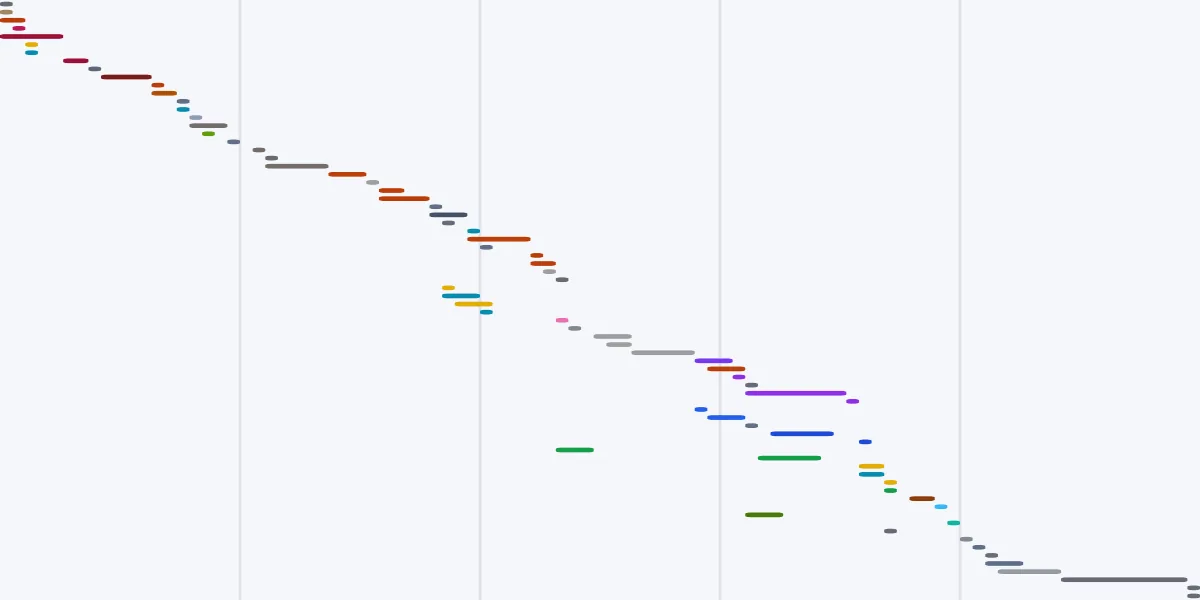
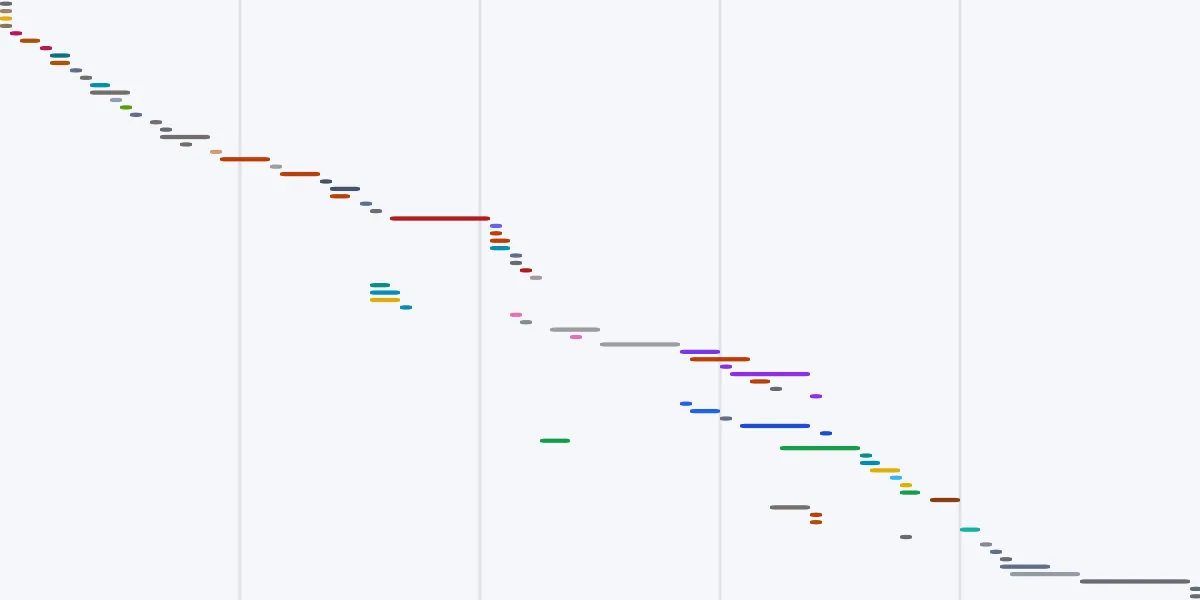
New home build construction schedule template, working-day Gantt from SiteCal

New home buildMost used

Residential

Detached home, slab to handover

A full single-dwelling program, slab, frame, lock-up, services, fit-off and handover, sequenced the way a detached Australian home actually goes together.

≈ 24 weeks on site 15 stages 81 tasks 31 trades
Use this template →
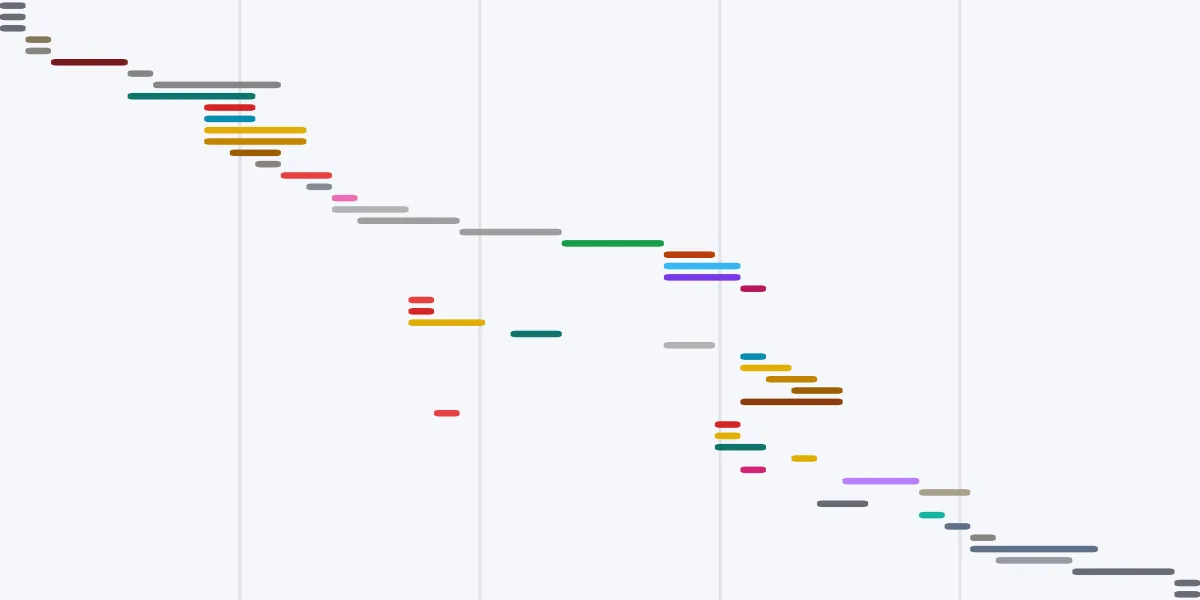
Renovation / extension construction schedule template, working-day Gantt from SiteCal

Renovation / extension

Residential

Strip-out, extend, make good

A renovation-and-extension program that handles the awkward bits, demolition, tying new structure into old, and the long tail of making good before handover.

≈ 19 weeks on site 14 stages 74 tasks 29 trades
Use this template →
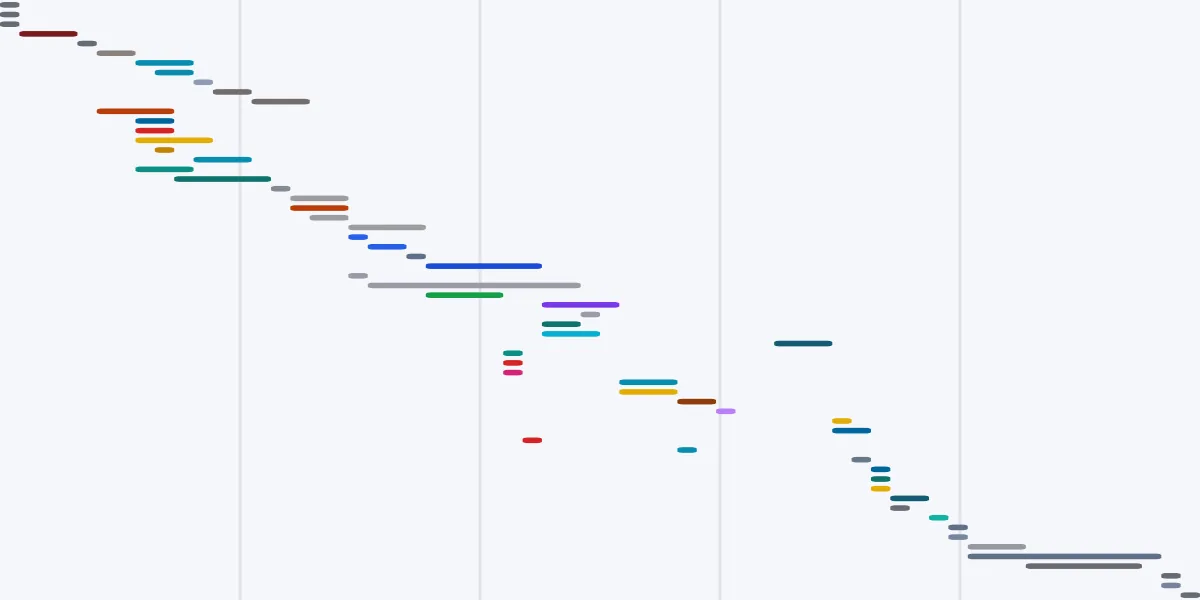
Office fit-out construction schedule template, working-day Gantt from SiteCal

Office fit-out

Commercial

Base build to practical completion

A commercial office fit-out program, partitions, services, ceilings and finishes, in the order that keeps inspections and commissioning from stacking up at the end.

≈ 9 weeks on site 11 stages 53 tasks 28 trades
Use this template →
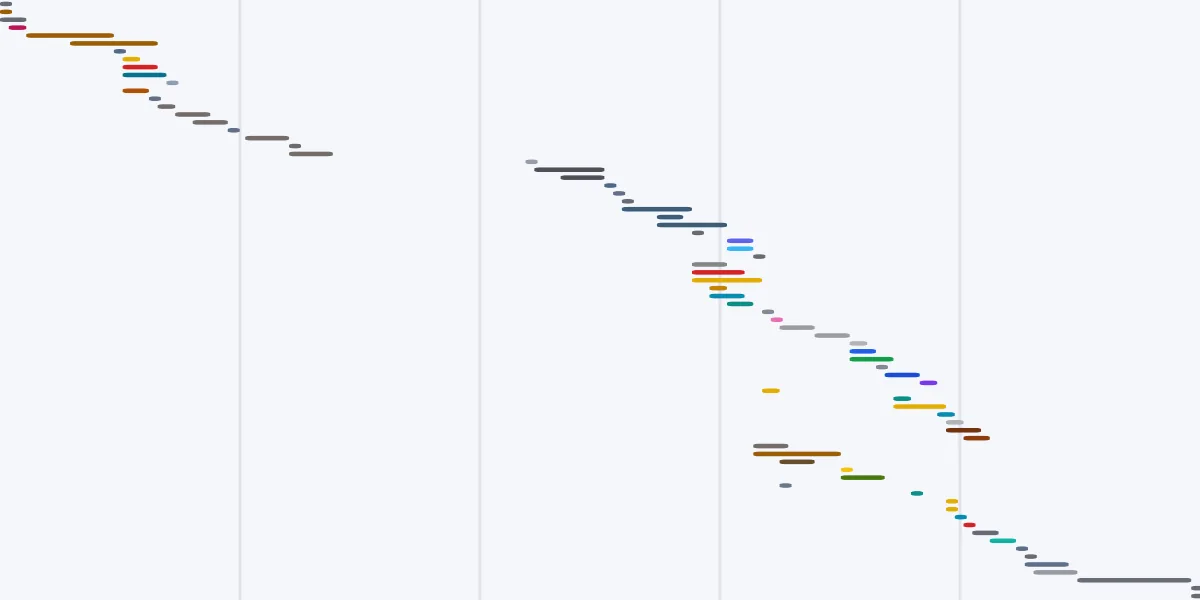
Restaurant fit-out construction schedule template, working-day Gantt from SiteCal

Restaurant fit-out

Hospitality

Shell to doors-open

A hospitality fit-out with the services load a restaurant really carries, hydraulics, grease, mechanical exhaust and a commercial kitchen, sequenced around the trades that gate everything else.

≈ 12 weeks on site 11 stages 62 tasks 30 trades
Use this template →
Commercial build construction schedule template, working-day Gantt from SiteCal

Commercial build

Commercial

Civil to practical completion

A ground-up commercial program, civil, structural frame, facade, services and fit-off, for a small-to-mid commercial building, retail shell or warehouse.

≈ 27 weeks on site 11 stages 76 tasks 37 trades
Use this template →
How it works

From template to live program in minutes.

1

Pick a template

Choose a SiteCal starter or one of your own saved programs from the Templates view.

2

Set name, dates & team

The program lays out on your project’s working week using working-day offsets, same shape, your dates.

3

Map your trades

Optionally match each trade slot to a subbie from your directory, so it starts already assigned.

4

Make it yours

It’s a live program now, move a task and the chain follows, then share one link with your trades.

Save your own

Build your own templates, reuse them across your other projects.

If you run similar jobs, you shouldn’t have to rebuild your program each time. Save any project as a template and reuse them whenever you need them.

A living program, not a dead spreadsheet.

Most “construction schedule templates” are a one-off Excel or PDF file. A SiteCal template becomes a live program ready to go.

FAQ

Template questions.

Are the construction schedule templates free?+
The templates are built into SiteCal, you can open any of the five starter programs and use them free during your 14-day trial, no credit card required. After the trial they are included on every plan.
Can I edit a template, or is it locked?+
A template is just a starting point. Once you apply it you can rename it, add or remove stages and tasks, change working-day durations, adjust the dependency links and swap trades. Nothing is fixed.
Do the templates include costs, pricing or a budget?+
No. SiteCal is scheduling software, so a template covers the program, stages, tasks, working-day durations, dependency links and trade slots, not estimating or pricing. Keep the budget in your estimating tool; run the program in SiteCal.
What does a “working-day” template actually mean?+
Every task is a start plus a duration in working days, so the program re-lays correctly on any start date and any working week. Build it on a Mon–Fri site and it keeps the same shape when it lands on new calendar dates, weekends and non-working days are skipped automatically.
Can I save my own program as a template?+
Yes. From Project settings → Project details you can save any job as a reusable template. It keeps the structure, stages, durations, dependency links, trade slots and colours, notes and display times, and strips the run-specific detail (progress, personal to-dos, team assignments and subbie contacts). Personal templates are private to you; owners and admins can also save company-wide ones.
Can I map the template’s trades to my own subbies?+
Yes. When you apply a template there’s an optional step to map each generic trade slot onto one of your real subcontractors from your directory, so the new program comes out already assigned.
Are the starter templates built for Australian builds?+
Yes, the five starters follow typical Australian build order and trade sequencing, with long-lead procurement kept off the program so the dates stay about what happens on site.

Start your next program from a template.

Pick a ready-made Australian build sequence, set your dates, and share one live link with your trades. Try free for 14 days, no card required.