
If you run construction programs on gut feel and sticky notes, you’re gambling with your finish date. The critical path is the one concept that separates builders who hand over on time from those constantly explaining delays to clients. Here’s how it works, why it matters, and how to use it every week on site.
What builders need to know about the critical path
The critical path is the longest sequence of dependent tasks in your construction program that determines the earliest possible handover date. Every task on this chain has zero float — there’s no spare time to absorb a delay. If your slab pour slips by three days and it sits on the critical path, your completion date moves by three days unless you compress something downstream.
Not every task is equally urgent. Take the difference between your kitchen install and your landscaping. The kitchen joinery feeds directly into benchtop templating, splashback tiling and appliance connection — all of which must finish before practical completion. Landscaping might have a week of float, because it runs in parallel with internal defect rectification. One sequence is critical; the other isn’t.
A delay on the critical path delays the whole handover. Non-critical tasks with float can absorb some slippage without moving it. Knowing which is which changes how you run your site.
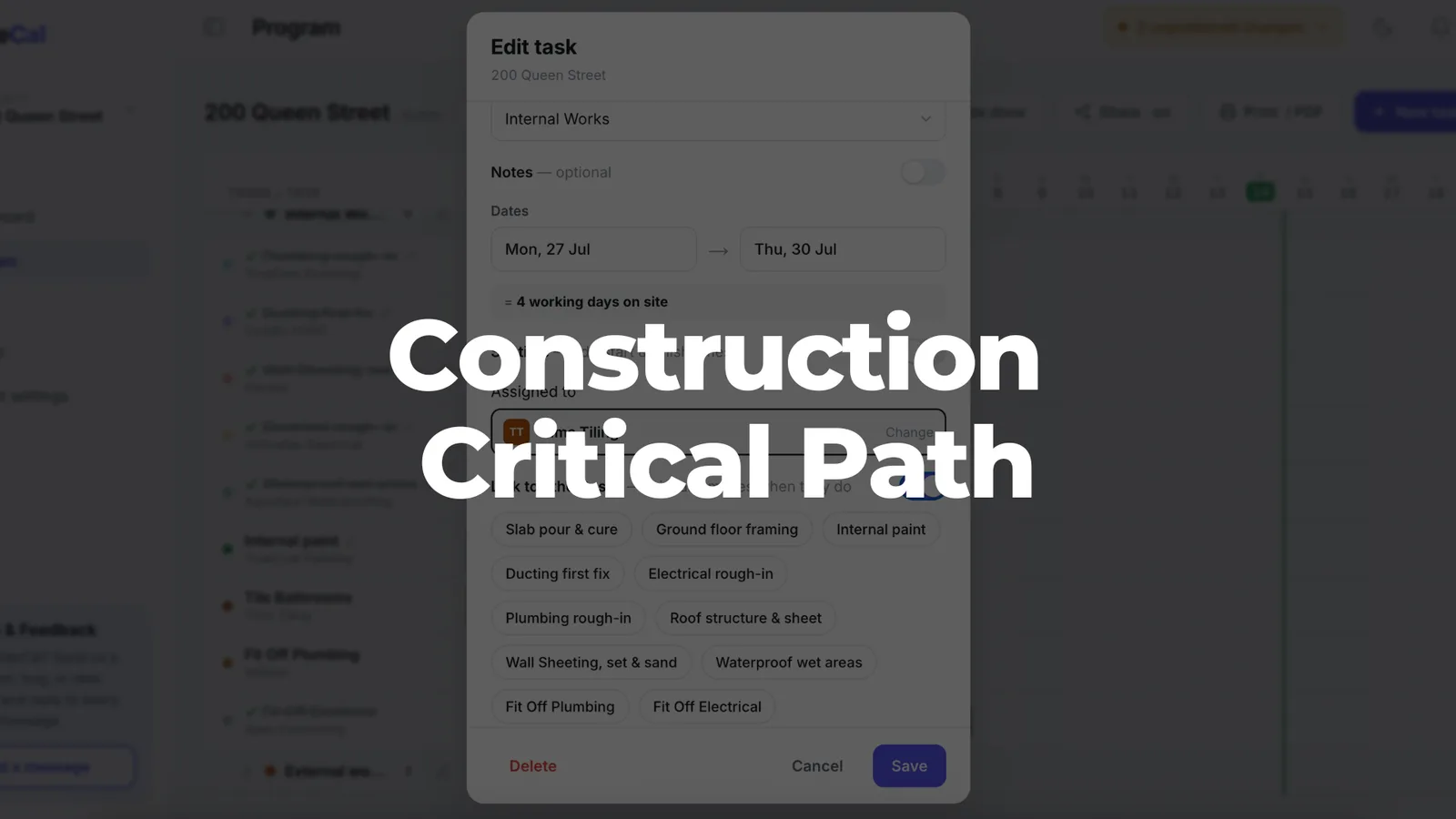
In SiteCal, critical-path activities are visible directly on the Gantt timeline, so you can see what can’t slip at a glance rather than digging through spreadsheet cells.
Critical Path Method (CPM) basics
The critical path method (CPM) is a formal technique that turns your list of construction activities into a logical, time-sequenced program. It was developed in the late 1950s for industrial-plant scheduling and adopted across construction from the early 1960s; today it underpins every serious construction schedule, whether you realise it or not.
CPM means identifying all the tasks, estimating each duration, linking dependent activities in the right order, then finding the longest path from start to finish. Picture a typical residential build: site establishment → footings → slab → frame → roof → lock-up → rough-ins → linings → waterproofing → tiling → cabinetry → fit-off → final inspection → practical completion. Each activity has predecessors and successors, and CPM maps that chain — the same chain you build when you create a construction program.
CPM is just as valuable on a 16-week renovation as on a multi-stage commercial fit-out. It’s associated with large, complex projects, but it matters just as much on smaller jobs where dependencies are tight. Even when you only see coloured bars on a Gantt chart, those bars are driven by CPM logic underneath.
Key CPM terms: early start, early finish, float
If you’ve ever opened a consultant’s program and been baffled by columns labelled ES, EF, LS, LF and TF, here’s the decode:
- Early Start (ES) / Early Finish (EF): the earliest an activity can begin once its predecessors are done, and the earliest it can finish. Wall framing starts Monday 3 Feb with a 3-day duration, so the early finish is Wednesday 5 Feb.
- Late Start (LS) / Late Finish (LF): the latest you can run an activity without pushing the completion date. If framing’s late finish is Friday 7 Feb, you’ve got some breathing room.
- Total Float (slack): LF − EF (or LS − ES) — how long an activity can slip without affecting the finish date. Two days of float means framing can slip two days and the handover holds.
- Critical path: the continuous chain of activities with zero total float. These are the tasks that must be done on time; together they set the project duration.
Work out the earliest and latest start times for each task and you can see where float exists and where it doesn’t. It’s worth training site teams to recognise these terms — so they can challenge an unrealistic program and assess a delay claim properly.
How it’s calculated: forward pass and backward pass
The maths is straightforward — two passes through the schedule, no project-management degree required.
Forward pass (left to right):
- Start at day one.
- For each activity, set ES to the largest EF of its predecessors.
- EF = ES + duration.
- Continue to the end; the largest EF at the final activity is the minimum project duration. A townhouse starting 1 March might show 120 working days — handover around mid-August.
Backward pass (right to left):
- Set the final activity’s Late Finish equal to its EF from the forward pass.
- Work backwards: each predecessor’s LF equals the smallest LS of its successors.
- LS = LF − duration.
- Where LS = ES (and LF = EF), total float is zero — those tasks are the critical path.
You can run these by hand on a napkin for a small job. On real projects, scheduling software does both passes automatically every time dates move, saving hours of manual recalculation.
Seeing the critical path in your schedule
Numbers in a table don’t help a foreman at 6:30am — visuals do.
A network diagram (activity-on-node) shows each task as a box and each dependency as an arrow, with the critical path as the longest unbroken chain. Useful for planning, awkward to pin on the site-shed wall.
Gantt charts flatten that network onto a time scale — coloured bars against calendar dates, with critical activities highlighted in red or bold and non-critical ones showing float as slack. The flow from one trade to the next becomes obvious at a glance.
In SiteCal’s Gantt and calendar views, trade sequences like waterproofing → tiling → shower-screen install are linked and colour-coded, so you can see immediately which chain is driving the finish date for a given room or stage — and explain delays and resequencing to clients and subbies without pulling out formulas.
Worked example: the critical path on a 20-week build
Here’s a simplified program for a detached home in an Australian metro area — roughly 20 weeks from slab to handover.
| Activity | Duration | Predecessors |
|---|---|---|
| Council approvals sign-off | 5 days | — |
| Site cut & preparation | 3 days | Approvals |
| Footings & slab pour | 5 days | Site cut |
| Frame erection | 10 days | Slab |
| Roof install | 7 days | Frame |
| External cladding | 8 days | Roof |
| Rough-in (plumbing, electrical) | 7 days | Frame |
| Internal linings & stopping | 15 days | Rough-in |
| Waterproofing | 3 days | Linings |
| Tiling | 5 days | Waterproofing |
| Cabinetry & fit-off | 10 days | Tiling |
| Final inspection & handover | 3 days | Cabinetry, Cladding |
Durations come from historical data on similar jobs. The critical path runs through approvals → site cut → slab → frame → rough-in → linings → waterproofing → tiling → cabinetry → handover, because that’s the longest sequence.
External cladding runs in parallel with internal linings and carries several days of float — a non-critical activity. But if rough-in pushes linings back, that float shrinks; near-critical paths can turn critical when minor delays stack up, so they’re worth watching.
Now picture a 3-day weather delay on the slab pour in June. It flows straight through every dependent task downstream, and the handover shifts three days unless you compress later work. Fast-tracking — overlapping activities that were planned in sequence, like starting rough-in in finished rooms while framing continues elsewhere — can claw some back. In SiteCal, linking these tasks means when the slab moves, everything downstream moves with it and the program shows exactly how many days behind the job is.
Why the critical path matters
Knowing which activities drive the finish date connects straight to cash flow, liquidated damages and client satisfaction — you stop pouring effort into tasks that can wait and start protecting the ones that can’t.
It also tells you where to put resources. If your electrician and plumber are both free next week but only the plumber’s rough-in is on the critical path, plumbing goes first. Directing labour, crane time and key subbies to the critical activities is how you avoid the idle time and cost overruns that come from working on the wrong thing.
For extension-of-time claims, a well-maintained program with a clear critical path proves which delays genuinely moved the completion date. A lot of delay starts upstream — owner decisions, slow approvals, design-coordination problems — which then feed into every downstream dependent task, so that’s where to focus attention.
A clear, current critical path also gives owners and financiers confidence that you’re in control — and that confidence is what turns into repeat work.
Common mistakes that distort the critical path
Even builders who get CPM can undermine it with poor habits:
- Activities too coarse. “Fit-out – 60 days” as one line hides critical tasks like waterproofing or fire inspections buried inside it. Break activities down until each has a clear owner and a measurable duration.
- Open-ended logic. Missing predecessors or successors break the chain and create misleading float. Every activity needs at least one of each.
- Too many date constraints. “Must finish on” for everything overrides the logic and hides the real critical path. Let dependencies drive dates.
- Inconsistent calendars. Different working weeks for different trades make float calculations confusing — keep the calendar assumptions transparent.
- Manual spreadsheets. Forget to update one linked date in Excel and your critical-path analysis is fiction.
Digital tools like SiteCal avoid most of these by using link-based logic instead of hard date constraints, and by updating dependencies automatically — when a predecessor slips, the successors move. No broken formulas, no forgotten cells.
Using the critical path day to day
This is the Monday-morning section — how to actually use it on site.
- Review weekly, before the site meeting. Look at which upcoming activities are on the critical path for the next milestone. If lock-up has to happen by end of May, which critical tasks in the next fortnight feed into it?
- Tell subbies exactly what’s critical. Be specific: “waterproofing finishes Wednesday, tiler starts Thursday, inspector Friday.” When trades understand the sequence and what depends on them, they show up on time.
- React when something slips. Resequence non-critical tasks, add labour, or extend hours to protect the critical path. Crashing means adding resources to critical tasks to shorten them; build contingency around the risky ones — inspections, long-lead deliveries.
- Update actual progress. Log actual start and finish dates so the software recalculates float and shows whether a previously non-critical task has become critical. A critical-path approach only works if the data stays current.
SiteCal’s calendar-first interface makes these updates easy from site on a phone or tablet, so the program stays accurate instead of sitting as a dusty PDF in the office.
How SiteCal supports critical-path scheduling
SiteCal is built for Australian construction workflows, not generic enterprise IT — Australian terminology, priced in AUD per active project, and no charge for subcontractors or clients to access.
You build the program in Gantt or monthly-calendar views, linking tasks so it updates automatically when dates shift. Task dependencies, colour-coded trades, progress and delay tracking, and “days ahead/behind” per job all support critical-path management — so you can see at a glance whether the job’s on track. Share links let subbies and clients see the current program and understand how a change affects the schedule, without their own logins.
Against spreadsheets that break when you forget to drag a formula, and heavyweight platforms that cost thousands and take weeks to learn, SiteCal gives small and mid-sized builders CPM-grade control without the bloat. Even if you still prefer Excel for estimates, you can run your construction critical path in SiteCal to keep day-to-day programming tight across every active job.
Learn from every finished job
Every completed project is data for the next one. The builders who get faster and more reliable are the ones who close the loop between planned and actual.
Compare your planned critical path against what actually happened: where did float get consumed? Which activities consistently overran? That feedback — built on real durations from similar jobs — sharpens your estimates and flags repeat problem areas. Patterns like recurring hold-ups at inspections, or wet-weather hits on slabs in certain months, feed straight back into better sequencing.
Save as-built schedules in SiteCal as templates, so you can set up new jobs with realistic durations and logic from local experience. Over time that loop means tighter programs, fewer surprises, and a stronger hand with clients on time and change — job after job.
Ready to see your critical path clearly? Start a free 14-day SiteCal trial — no credit card required — and build your next program with dependencies that actually update when things move.