
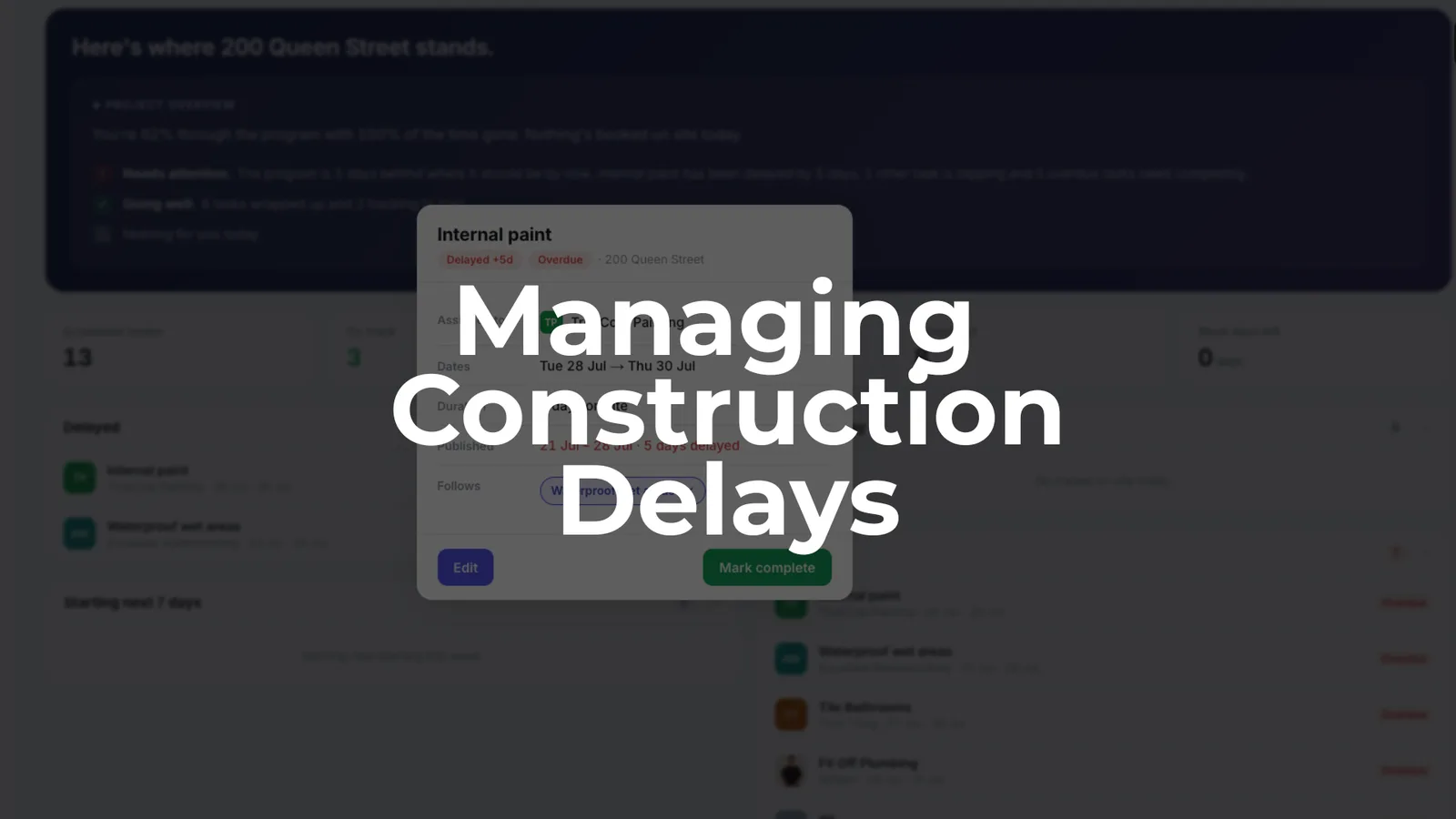
Construction delays are the norm, not the exception — and in Australia the numbers are stark. ABS data shows the average time to complete a new house rose from 2.2 quarters in September 2019 to 3.3 quarters by June 2024 — a 50% increase (see how long it takes to build a house in Australia today, state by state). Western Australia saw the biggest jump, from 2.3 quarters to a peak of 5.4 quarters (over 16 months) in early 2024. A 32-week new home in Sydney or Melbourne now regularly takes 12 to 16 weeks longer than programmed, and a 10- to 12-week retail fit-out in Brisbane CBD can slip 2 to 3 weeks from a single approval hold-up.
Those delays drive budget overruns and strained relationships with clients, financiers and trades. Poor planning and scheduling can derail a job before the first slab is poured, and poor communication compounds rework at every stage.
Managing construction delays isn’t a report you write at month-end. It’s an ongoing process of keeping the construction program current, checking progress against the plan, and acting on slippages the day they occur. The most common causes of construction delays in Australia:
- Poor planning and unrealistic timelines at tender stage
- Poor communication between builder, trades and client
- Material shortages and delivery delays
- Late design decisions and scope creep
- Weather, approvals and labour gaps
SiteCal is Australian-made scheduling software that shows how many days ahead or behind each job is, updates linked tasks automatically when something moves, and lets you share the live program with trades and clients without extra licences.
Where construction delays really come from
Every construction delay traces back to one of three areas: scope (what’s being built changed), sequence (tasks ran in the wrong order, or a predecessor wasn’t finished), or capacity (labour, materials or equipment weren’t available). Most issues map to more than one.
The most common causes on Australian residential and fit-out jobs:
- Poor planning and scheduling at tender or contract signing
- Poor communication between builder, trades and client
- Material shortages and delivery delays, including supply-chain disruptions flagged by the RBA
- Incomplete design and late client changes — design changes alone can cost weeks
- Approvals and inspections not booked in time
- Labour gaps and over-committed subcontractors spread across too many sites
- Weather and site-access issues
A delay only becomes a true project delay when it hits the critical path and removes float from dependent activities. Critical delays move the completion date; non-critical delays don’t. Beyond that, delays carry contractual categories: excusable (beyond the contractor’s control), non-excusable (within it), compensable (may entitle the contractor to compensation), and concurrent (two or more delays overlapping on the same tasks).
Catching unforeseen site conditions early prevents expensive surprises. On small to mid-sized jobs, poor planning and communication usually amplify the external factors: a one-day delivery delay on engineered timber beams becomes a one-week program delay when the framer has no alternative work front and the waterproofer is booked for a fixed date.
Map your critical path before the first delay hits
The critical path is the sequence of tasks that decides when you can hand over. Any task on it with zero float pushes out completion if it runs late — so a realistic program built around the critical path prevents the most common delays before they start.
On a typical 4-bed house in NSW, the critical path usually runs: slab pour → frame completion → roof on → rough-in (plumbing, electrical) → internal linings → waterproofing → tiling → practical completion.
To map it in your program:
- List every task with realistic durations based on trade input, not wishful thinking
- Define dependencies (finish-to-start between slab and frame, for example)
- Calculate float on non-critical activities so you know which can absorb slippage
- Mark critical tasks visually with bold or coloured bars in a Gantt or calendar view
SiteCal shows dependencies between tasks so you can trace the chain, updates linked tasks automatically when one moves, and makes the knock-on effects visible immediately — so you see the real end date, not last month’s version.
Spot the early warning signs before delays snowball
Small coordination gaps become visible 2 to 4 weeks before they show up as obvious delays on site. An unconfirmed joinery detail or an unbooked certifier inspection is a signal, not a minor admin item.
Early warning signs on live jobs:
- Repeated “TBC” items on drawings or finishes schedules
- RFIs on structural or services details not answered within agreed timeframes (typically 3 to 5 working days)
- Long-lead items (aluminium windows, lift components, switchboards) without confirmed delivery dates 4 to 6 weeks out
- Trades asking to “push back a few days” more than once
- Tasks regularly finishing 1 to 2 days late against the program
Treat each as an early risk indicator and log it in a simple constraint list tied to the program. In SiteCal, the days-ahead-or-behind tracking on each task acts as an early-warning dashboard across all your jobs — when three tasks in a row show one day late, the schedule is drifting.
Keep a live risk and constraint register
A risk and constraint register is the parking bay for anything that could cause delays in the next 2 to 8 weeks. The point is to catch risks in the planning phase, before they reach the critical path.
Concrete items to track:
- Outstanding design decisions (e.g. façade cladding selection due 15 March 2026)
- Approvals and inspections (Form 15/16, occupancy certificate, fire-services sign-off)
- Long-lead procurement (mechanical plant, custom joinery, glazing)
- Site constraints (shared-driveway access times in inner-city Brisbane)
- Labour constraints (framing crew booked on two jobs at once)
- Weather-sensitive critical activities (crane lifts, slab pours, external painting)
Keep a strict change-order process too — uncontrolled variations quietly turn a controlled program into a moving target.
Each entry needs an owner, a due date, the expected impact on the critical path, and a next action. Review weekly on smaller jobs, twice weekly on fast-tracked CBD fit-outs where minor slips become project delays within days. In SiteCal you can mirror this register by adding short “constraint tasks” ahead of real activities, assigning them to a trade or role, and linking them so the main task can’t start until the constraint clears.
Use look-ahead planning to test site readiness
Look-ahead planning means reviewing the next 14 to 21 days of work and confirming every task is actually ready to start on schedule. It backs up the master program by catching problems while there’s still time to resequence.
A simple weekly process for each job:
- Pick the next 14 to 21 days of activities from the program
- For each task, check: drawings finalised, materials on site or delivery confirmed, approvals booked, labour available, site access clear
- Confirm predecessor tasks are actually finished — not just “80% done”
This is where you catch a tile delivery landing two days after the waterproofing window closes. Australian lean-construction case studies show teams using look-ahead planning lifted their Planned Percent Complete from 81% to 93%, with some projects finishing 6 to 15 weeks ahead of the original program.
In SiteCal, the calendar view supports look-ahead meetings directly: filter by project and week, scan tasks by trade colour, and drag-and-drop to adjust the sequence while the team is in the room.
Update the program as soon as delays happen — not at month-end
Updating the program is the core of managing delays. Many builders still only adjust the Gantt at claim time or when the client asks for a report — by then, slippages that started as a day or two have compounded across dependent activities, and the real completion date is weeks later than anyone realised.
When something slips:
- Confirm what happened — cause, dates, affected activities
- Check whether the delayed task is on the critical path
- Identify which successor tasks are affected and how much float remains
- Update the program dates the same day
- Re-communicate the updated sequence to trades and client
Two examples: a framing delay in week 5 on a townhouse (an LVL shortage) pushed roofing, rough-in and linings by four days; a late fire-engineer sign-off on a small office fit-out delayed ceiling rough-in by a full week because the electrician had no alternative work front.
Keeping the program live makes entitlement to extensions of time easier to demonstrate, cuts disputes about “when you told us,” and improves credibility with clients and financiers. SiteCal moves linked tasks automatically when you change one date, shows how many days ahead or behind the job now sits, and lets you share the updated program instantly by link or PDF.
Prioritise the critical path when recovering from a delay
Not every delay can be fully recovered. The focus is protecting the completion date and key milestones by working on the tasks that sit on the true critical path. Find the root cause first — without it, you’re treating symptoms.
To build a recovery plan:
- Identify which critical-path tasks are now late, and by how many days
- Calculate the new end date if you do nothing
- Review options: resequencing, adding shifts, overlapping trades where safe, or changing methods (pre-assembled wall frames vs stick framing)
- Test the scenarios in the program before committing
Add resources to critical activities, but know the limits: a second tiling crew in a 3 m × 2 m bathroom just creates congestion and rework, while a second electrician across separate zones of a townhouse might recover two to three days. The honest truth is that unrealistic timelines set at tender are often the root cause no amount of recovery fully fixes.
When you reset priorities, agree with the client which areas must be finished by a fixed date (e.g. ground-floor retail open by 1 November 2026), timebox those zones, and push non-critical extras to later stages. SiteCal supports this by letting you move groups of tasks, block priority zones on the calendar, and check for clashes between new priorities and the existing sequence.
Fix the root causes: planning, communication and tooling
One-off recovery efforts won’t solve recurring delays. Many repeat job after job because the root cause sits in how planning, communication and tools work at the company level.
Planning and scheduling gaps:
- Durations based on optimism rather than historical performance or trade input
- No float built into the program
- Procurement lead times ignored at tender
- Baseline not built until week 4 on site instead of at contract award
Involve key subcontractors early to agree durations and sequences — the groundwork covered in how to create a construction program — and build the baseline in SiteCal at contract award, not after mobilisation.
Communication gaps: fragmented communication leads to missed updates and costly misunderstandings — trades not told when dates move, unclear handover criteria between trades, and conflicting versions of the program circulating by email. A single, shared, calendar-first program fixes this: one source of truth for dates, simple trade-coloured tasks subbies can read on their phone, and quick share links instead of PDFs that go stale by Friday.
Tooling gaps: spreadsheets don’t update dependencies automatically and are hard to read on site; heavyweight platforms are too complex for small to mid-sized builders and rarely get updated daily. SiteCal fills the gap — simple enough for weekly site use, structured enough to manage delays properly, and priced per active project rather than per user.
Build a weekly delay-management routine
Ad-hoc crisis meetings when a delay surfaces are too late. A consistent, lightweight routine keeps the program honest and gives the team a forum to act before problems spread.
A 30- to 45-minute weekly routine per active job:
- Open the current program (ideally in SiteCal on a screen or projector)
- Review last week’s tasks: done, late, or not started
- Check the next 2 to 3 weeks for readiness and constraints
- Log emerging issues in the risk and constraint register
- Agree corrective actions, owners and due dates
Involve the people doing the work: the site manager, the leading subbies for critical trades (concreter, roofer, electrician, plumber), and the project manager or director for decisions. Afterwards, update the program live, note decisions in task comments, and send the updated link or PDF to everyone.
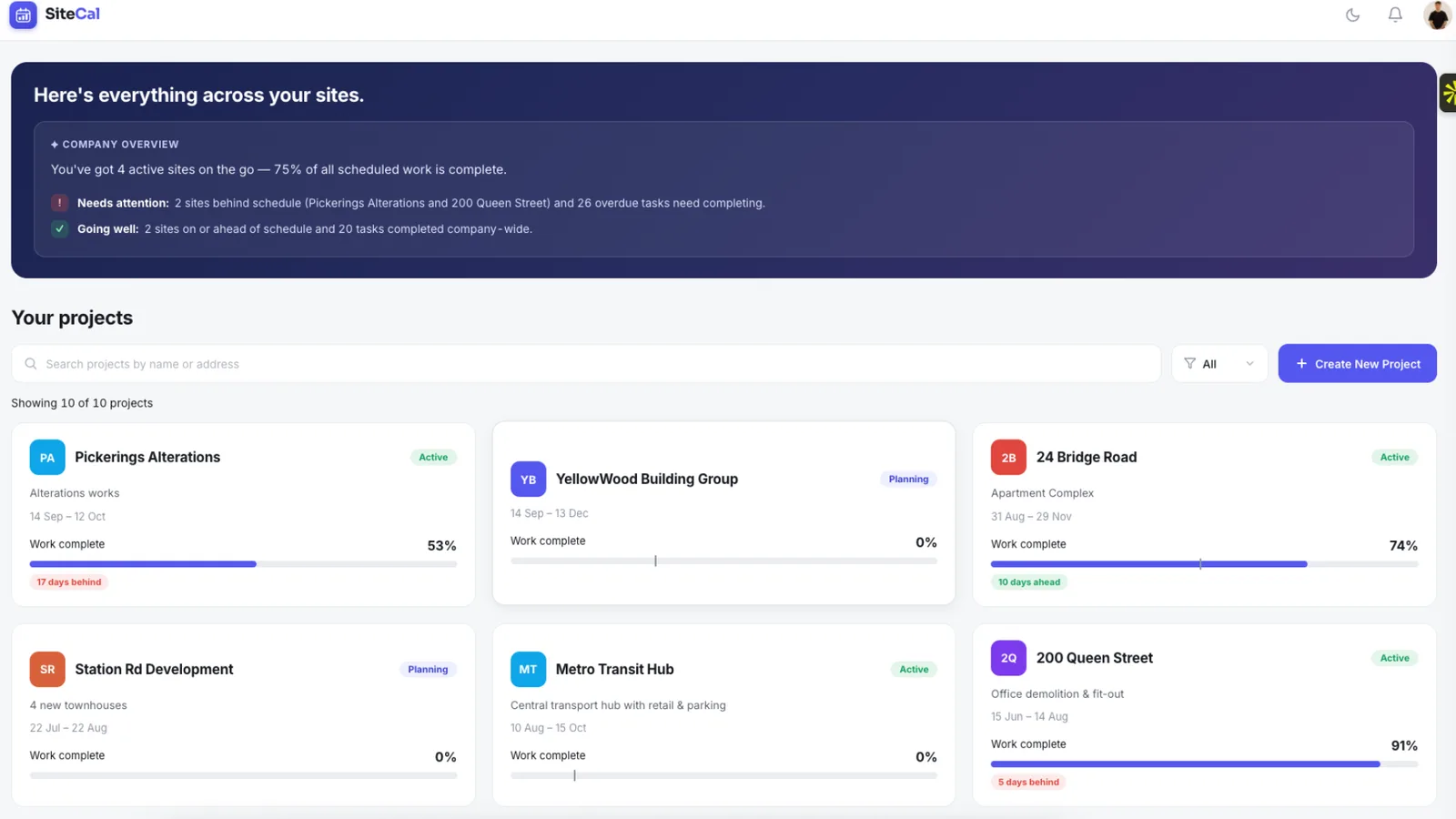
For a builder running 8 to 10 concurrent jobs in Melbourne or Sydney, SiteCal’s multi-project dashboard shows which jobs are slipping, so you can put attention and resources where they’re needed most.
Use extensions of time and records to protect yourself
Managing delays isn’t only operational — it also protects your contractual position when delays are caused by client changes, approvals or external factors beyond your control.
Records that help demonstrate delay impacts:
- Dated programs before and after a delay event
- Site diaries and photos showing when work fronts were blocked
- Correspondence about delivery delays or material shortages
- Meeting minutes capturing decisions and new priorities
When the program is updated promptly, cause-and-effect along the critical path is easy to show, extension-of-time claims become clearer and less contentious, and negotiations about acceleration or scope changes have real data behind them.
Practical habits: save periodic snapshots of the program (e.g. a monthly PDF export) and note delay causes directly on the affected task (e.g. “client variation — new kitchen layout issued 18 June 2026”). This isn’t legal advice, but good programming discipline and clear communication reduce disputes under standard-form contracts.
Bringing it together: a practical delay-management workflow
Every section above fits one repeatable workflow. The tools and routines are straightforward; the discipline of using them consistently is what separates a job that finishes close to program from one that drifts out by months. You don’t need to track global shipping markets to manage your program — you need to know what’s happening on your site this week.
A step-by-step approach with SiteCal:
- Build a realistic baseline program at contract award, with a clear critical path and no unrealistic deadlines
- Run weekly look-ahead and coordination reviews in the calendar or Gantt view
- Keep a simple risk and constraint list tied to program tasks
- Update the program the moment delays emerge, not weeks later
- Share updates instantly with trades and clients
- Review root causes between jobs to improve planning for the next one
External factors like weather, material shortages and supply-chain issues can’t be eliminated — but their impact on the completion date can be cut with live planning applied week by week.
To test it on your next job, start a free 14-day SiteCal trial (no credit card required): recreate or import your current program, run it for a month, and see where the slippages appear. Every plan includes unlimited trades and contacts, with no paid seats for your subcontractors or clients.